
A collaborative workspace should support a defined kind of exchange: a quick two-person review, a small team workshop, an informal conversation or remote participation. Combining movable tables and lounge furniture without an activity plan can produce a flexible-looking room that is awkward to use. Define team size, duration, tools and desired openness first.
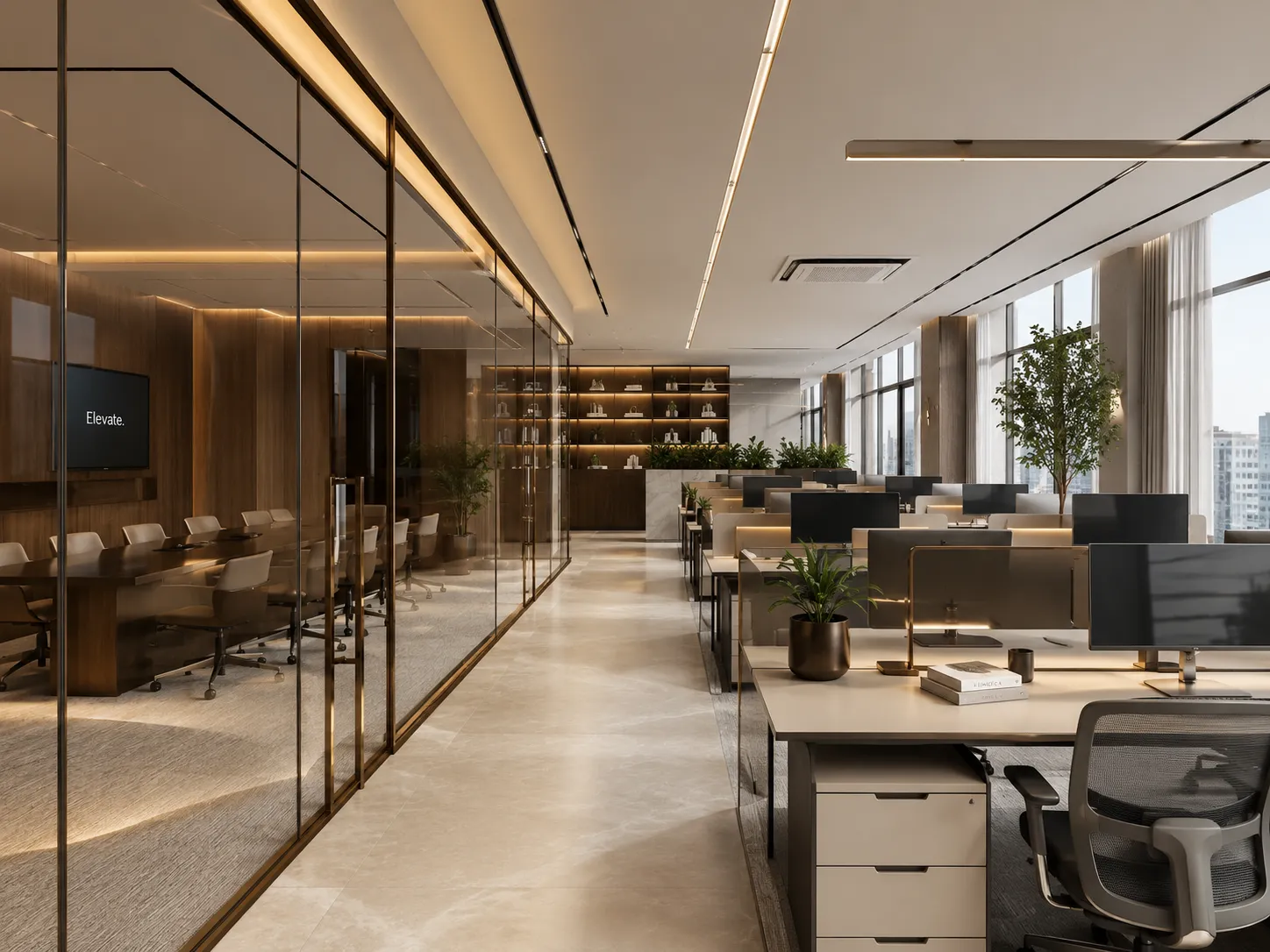
Match the setting to the exchange
| Setting | Useful for | Trade-off to check |
|---|---|---|
| Shared-height table | Short reviews, samples and devices that need a common surface. | Table reach, chair movement, power, monitor sightlines and the route around occupied seats. |
| Lounge group | Conversation and informal review with limited equipment. | Document support, seat height, cleaning access and whether the setting is suitable for the expected dwell time. |
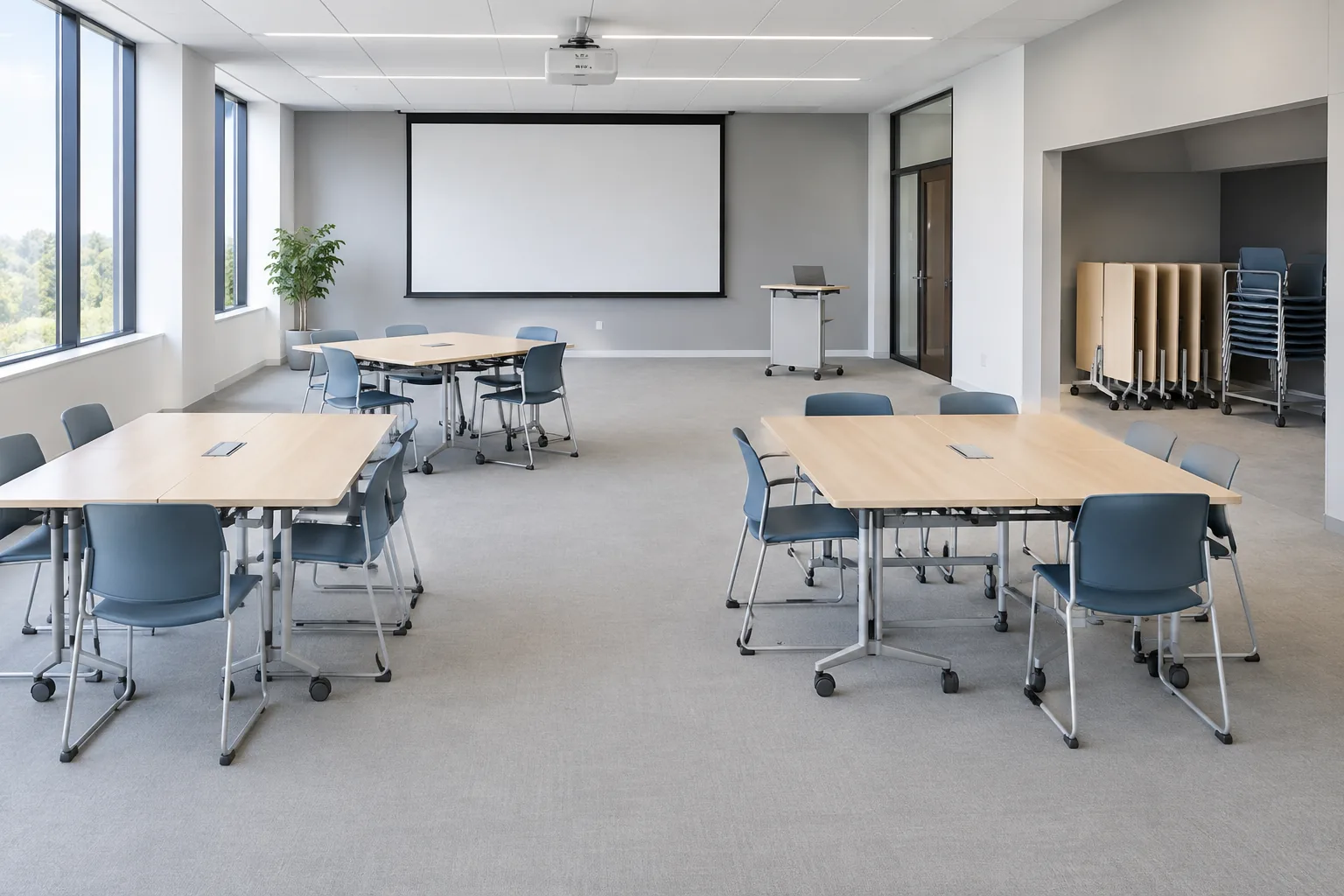
| Reconfigurable training group | Workshops that alternate between plenary and smaller teams. | Who moves furniture, where unused pieces are stored and how services remain reachable. |
| Remote-collaboration setting | Small groups joining a video call together. | Camera view, display position, microphones, glare, cable route and ownership of audiovisual work. |
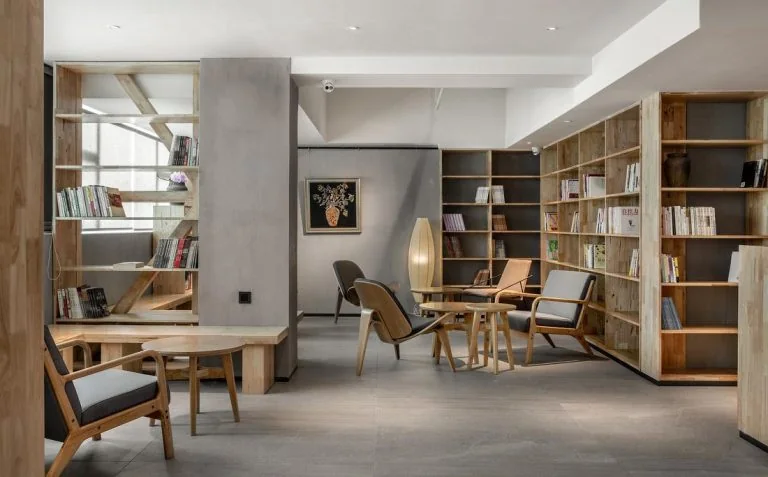
Decide what moves and what stays fixed
Movable tables and chairs can support change, but each move has labour, storage and cable consequences. List the normal arrangement, the alternative arrangements, who changes them and how often. Mark presentation walls, displays, floor boxes and fixed storage. Confirm whether movable items have suitable dimensions and handling details in the actual proposal.
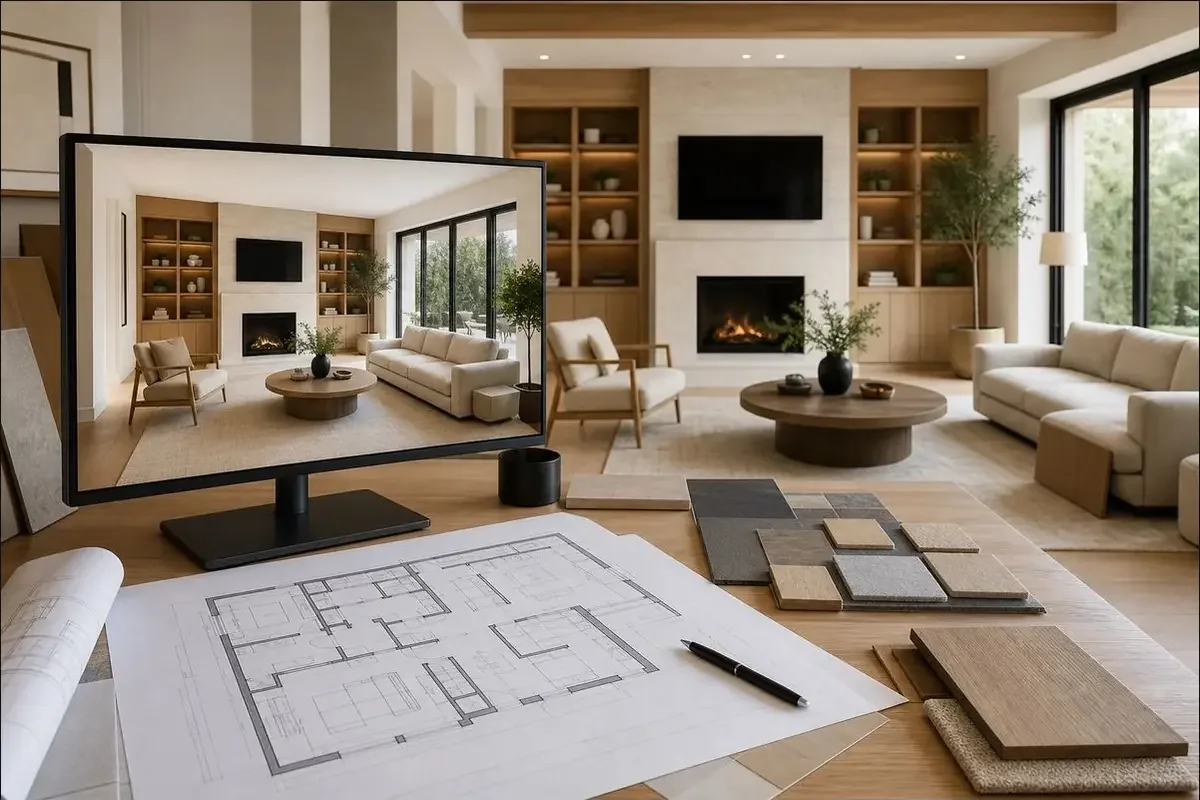
Coordinate shared surfaces, storage and technology
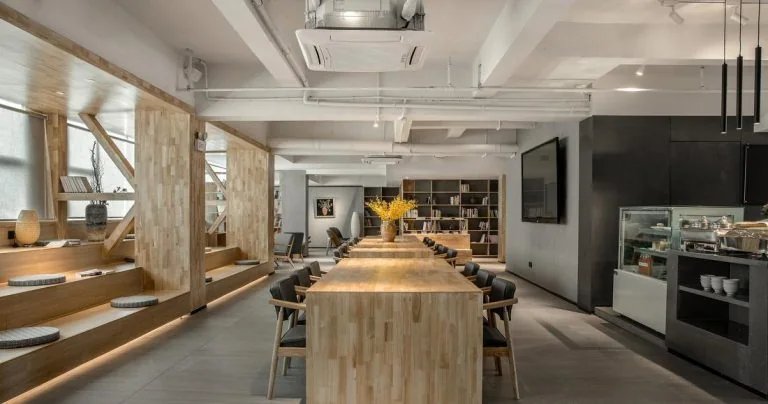
A shared table brief should state team size, devices, papers or samples, desired seating posture, power and data needs, and whether people need a display. Put supplies and movable equipment where users can return them without blocking the room. A screen or upholstered element should not be assigned an acoustic or fire result unless the specific proposed product has supporting evidence.
For remote participation, provide the group size, camera and display positions, lighting direction, sound requirements and cable route. Furniture openings do not establish that audiovisual equipment, building power, network work or testing is included.
Keep the boundary with other office settings clear
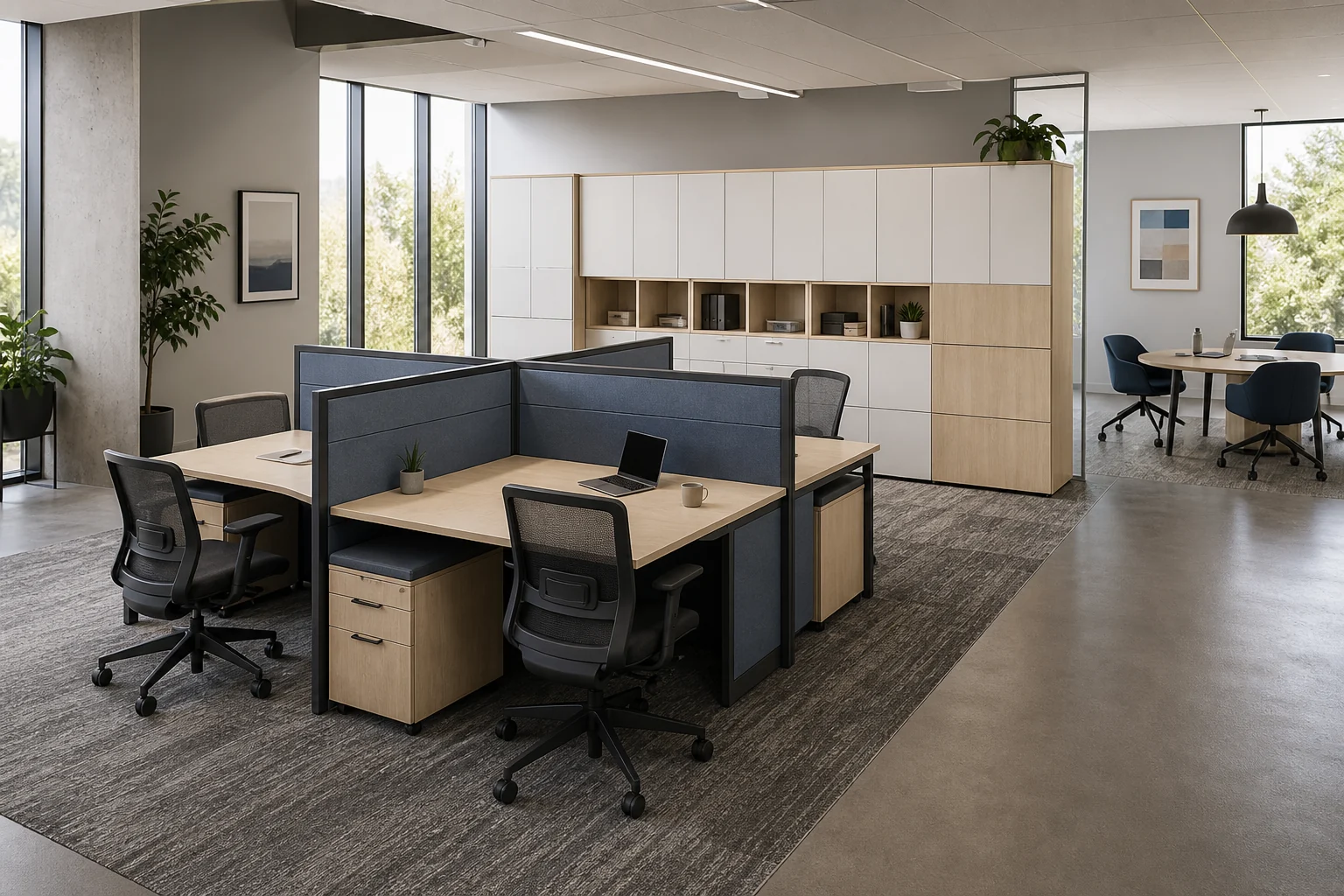
Use meeting and training room planning when a formal table, presentation or repeated training conversion is the main task. Use hybrid and coworking planning when seats are shared across days and personal belongings, cleaning and handover are central. Collaborative settings can sit near workstations, but their activity should not erase the focus conditions required by the open office.
Prepare the inquiry
Send the measured plan, group sizes, activities, duration and frequency, normal and alternative layouts, equipment, power and data points, storage needs, material and cleaning conditions, destination, access and programme. Identify technology and building-service owners. Ask for proposed furniture dimensions, changeover requirements, included components, delivery and separately charged installation scope.
Discuss a collaborative workspace furniture plan with GEORGE