
School administration and faculty spaces combine public contact, focused work, confidential records, short meetings and staff support. The furniture schedule should follow those different tasks instead of repeating one office workstation in every room.
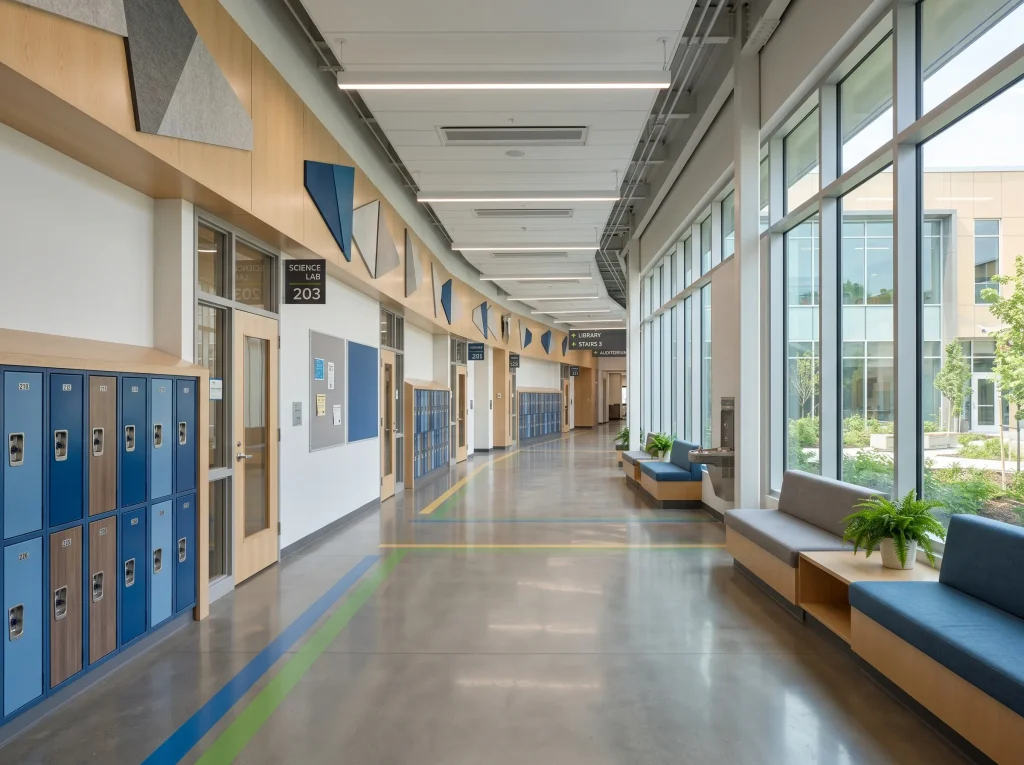
Separate public, staff and controlled work
Map the visitor route from entry to reception, meeting point and exit. Then identify staff-only rooms, records that need controlled access, printing and shared resources. This determines whether a front counter, enclosed meeting room, open workstations or individual offices are needed and where storage should sit.
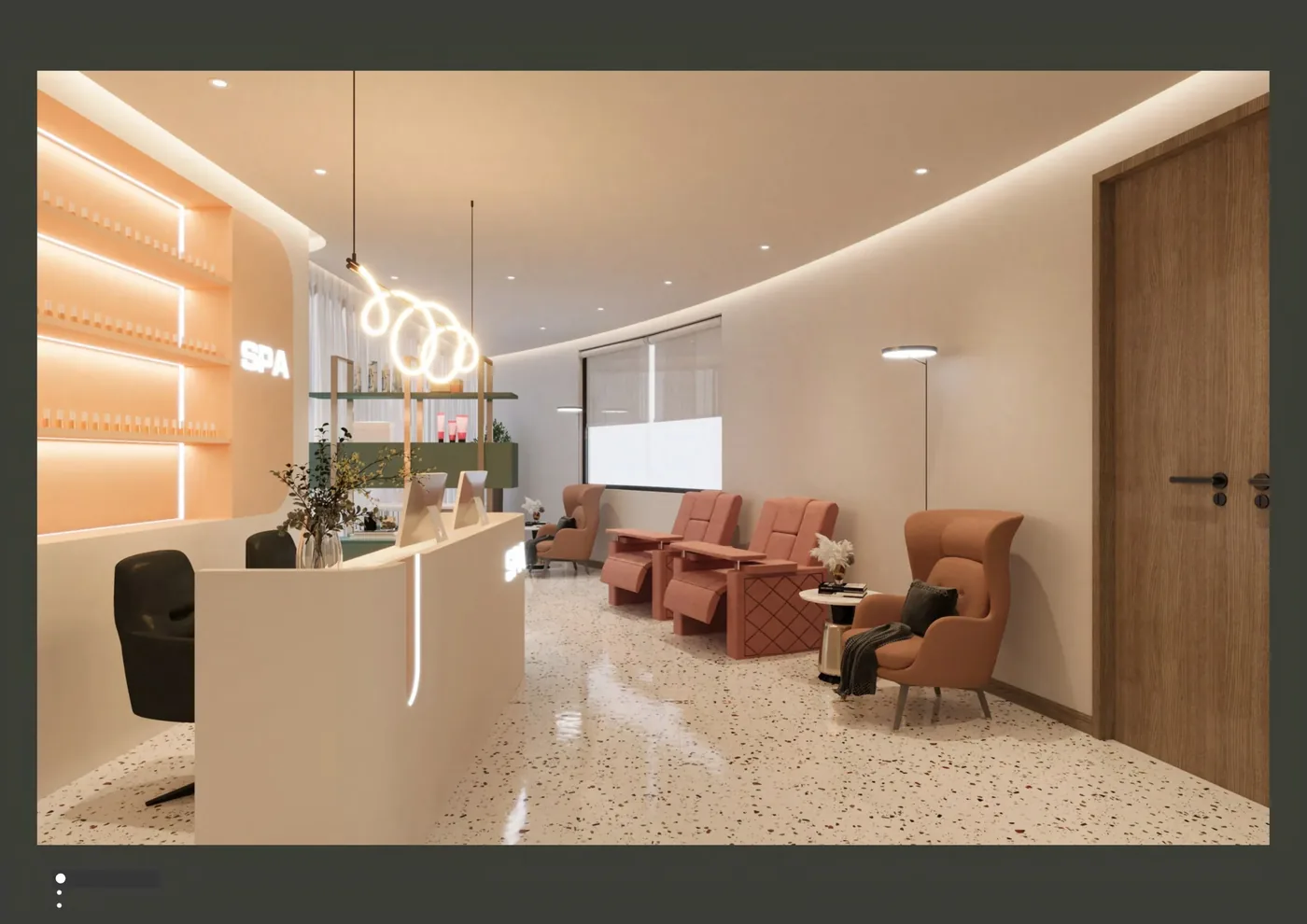
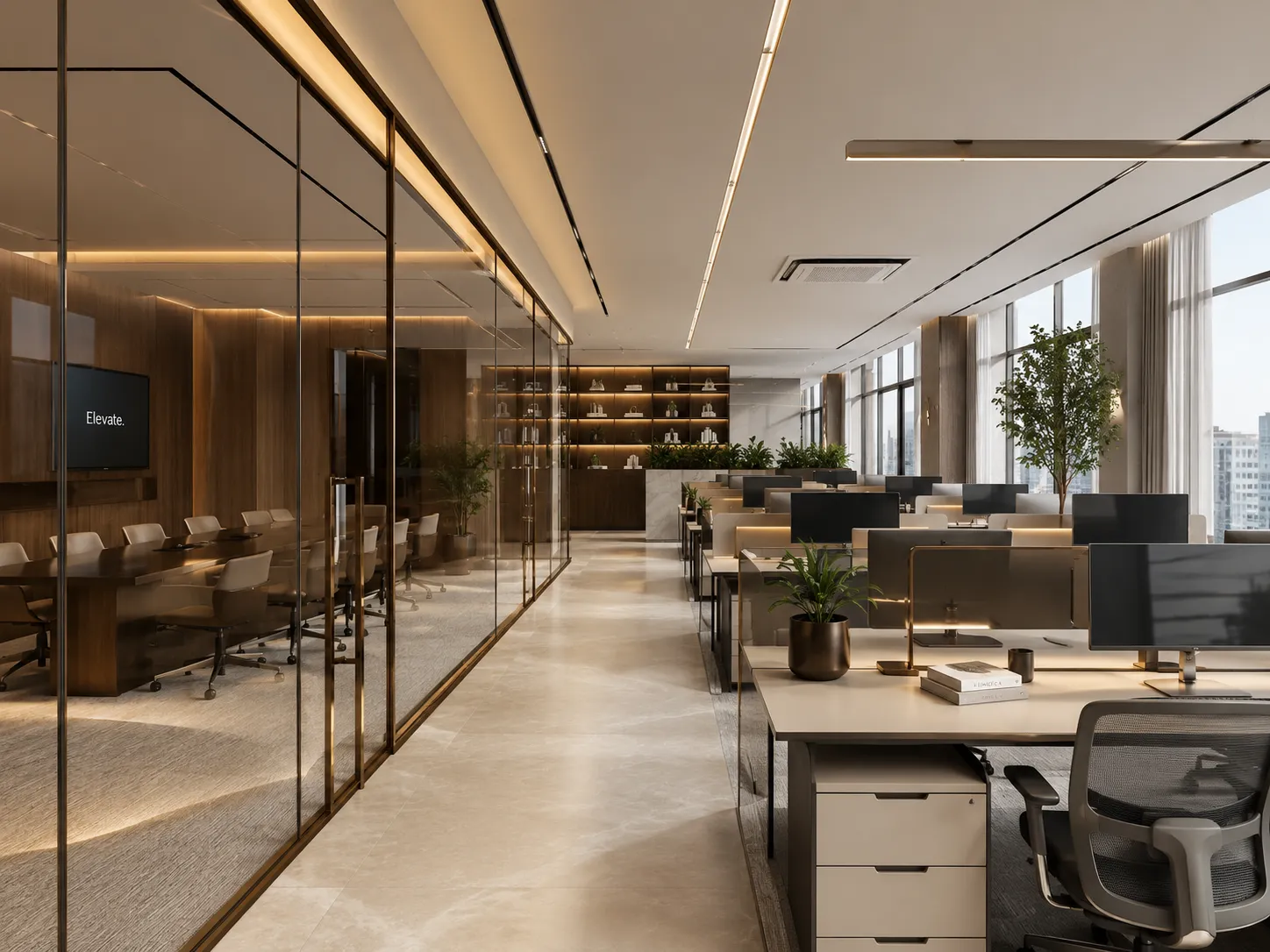
Match workpoints to roles
| Role pattern | Likely furniture set | Key input |
|---|---|---|
| Frequent public contact | Counter or desk with visitor position and nearby secure storage | Queue, conversation privacy, screen orientation and accessible approach supplied by the client |
| Shared processing team | Workstation cluster with team storage and print point | Headcount by shift, paper flow, calls and cable route |
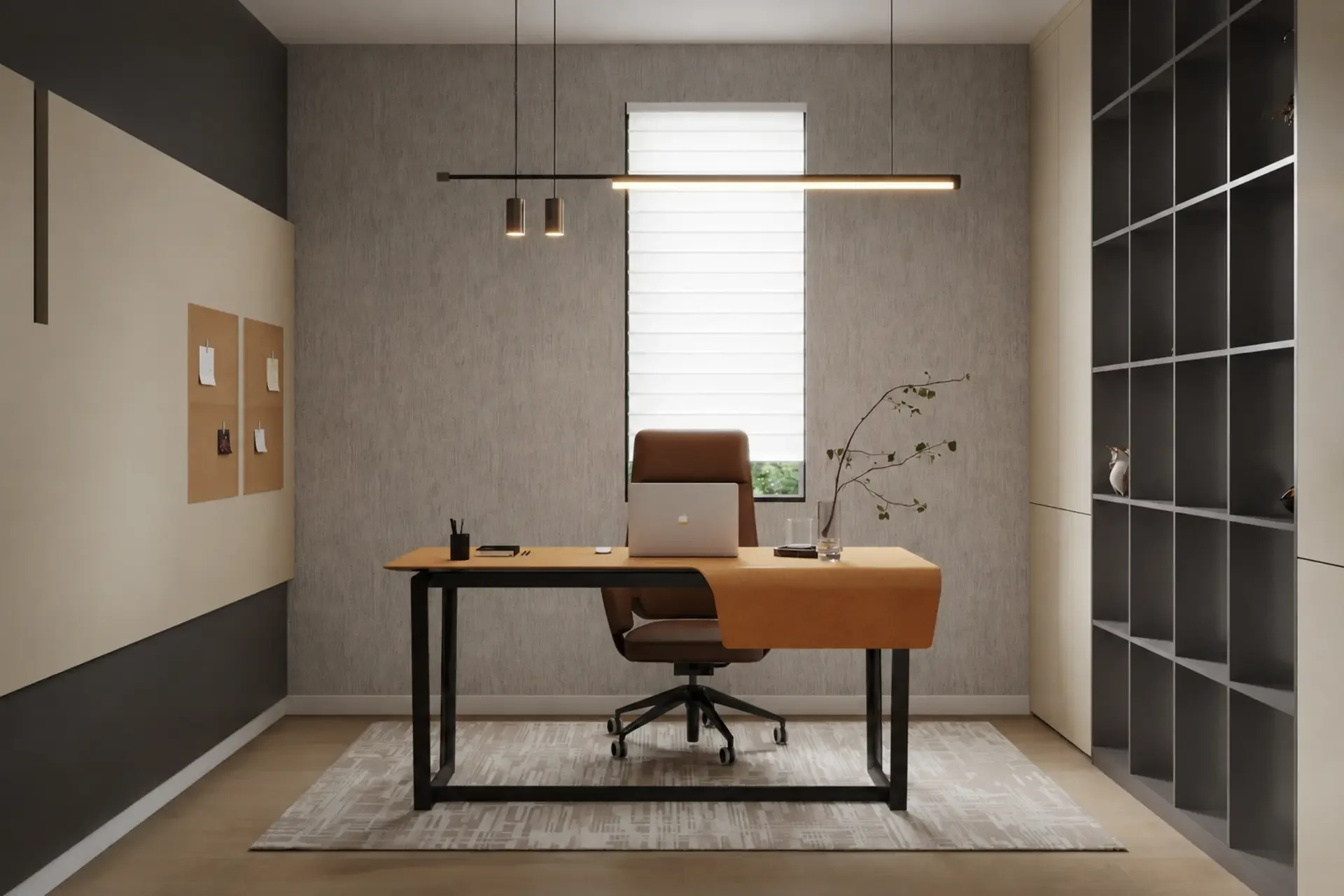
| Leadership or confidential work | Desk, guest chairs and controlled storage | Meeting frequency, display needs and room occupancy |
| Faculty touchdown | Shared desks, lockers or mobile storage | Time on site, personal allocation and peak simultaneous use |
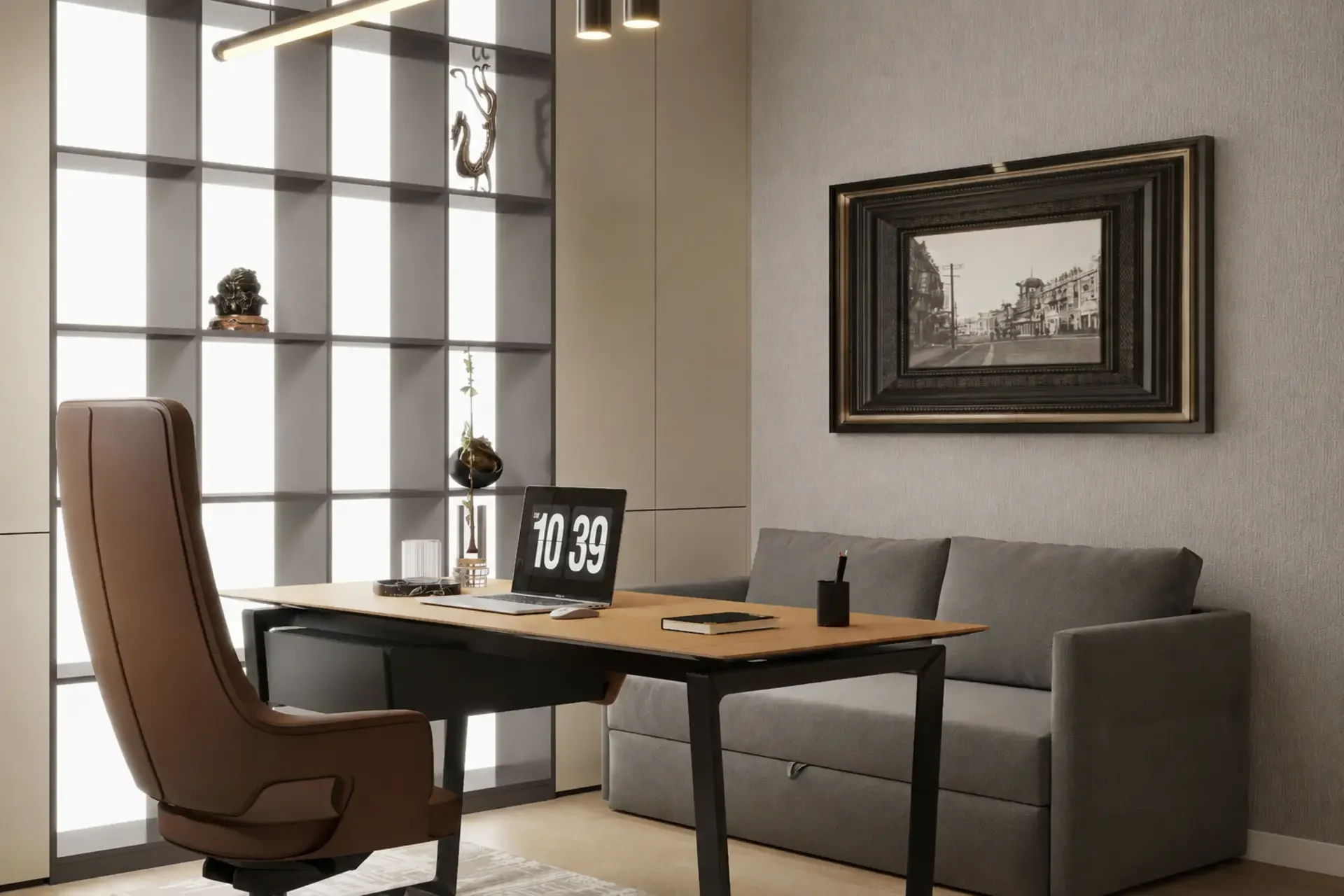
Control records and shared resources
List active files, archived files, stationery, personal items, teaching resources and devices separately. Open shelves improve quick access; closed cabinets reduce visual clutter; mobile pedestals support assigned workpoints. Lock type, access responsibility and any retention policy come from the school, while proposed cabinet dimensions, hardware and fixing are documented in the furniture package.
Issue a room-by-room request
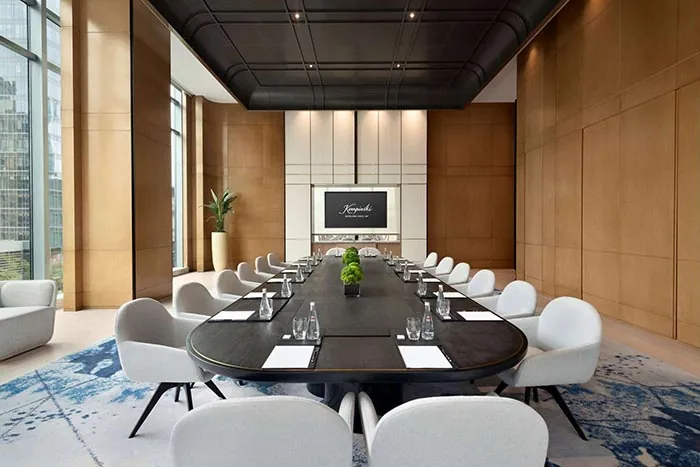
Provide a plan, staff and visitor counts, role list, public and staff routes, meeting sizes, records inventory, power/data locations, room finishes, delivery access and project phases. Indicate which joinery needs site measurement and which loose furniture should remain movable. Link the brief to workstations, desks, office chairs, meeting tables and filing cabinets as applicable.